Some phishing emails are very well made, with a credible sender address, a credible link and flawless German, the consumer advice centre warns. The sender line can be forged as well. By its account only one detail is forgery-proof, the sender’s IP address, and that sits in the mail header. The email itself usually claims your account will be blocked, a parcel is waiting or a payment has failed. Its link usually leads to a copied login page that collects passwords, card details or transaction codes.
Check first, touch later
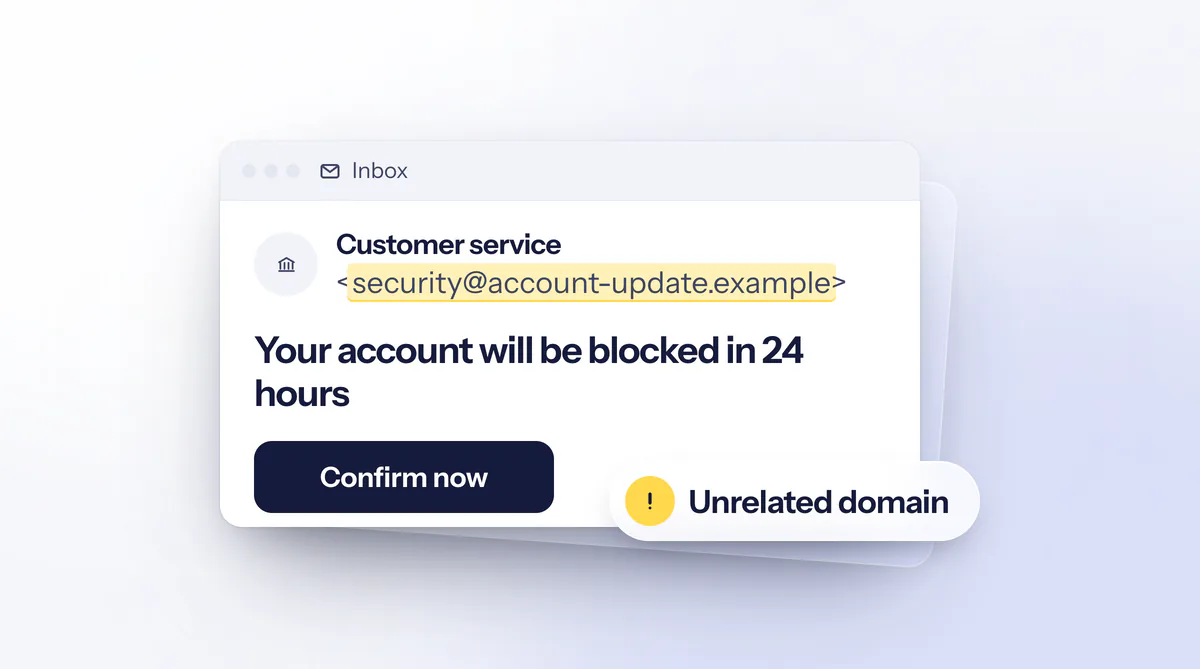
A phishing email still often gives itself away, in the sender address, the subject line, the greeting, the button or the attachment. In the recreated sample, the domain and the file are invented. Real ones usually look more convincing.
Since the display name proves nothing, read the full address behind it. The police advise checking that it ends in the genuine domain. The BSI writes that the link often hides behind a perfectly designed button, so open the provider’s site yourself by typing the address into your browser. Leave attachments closed. The checklist from the BSI and the police names file endings such as .exe or .scr and double extensions such as .pdf.exe as warning signs.
A generic greeting, deadlines, threats and a request to enter data fit phishing, according to the consumer advice centre. Banks never ask for a PIN or transaction code by email. If your address is not in the To field, the email may have gone out as a mass mailing with hidden recipients. If you are unsure, call the provider on a number you look up yourself, and do not use the one in the email.
Having the email checked on onlinebetrug.ai
Under Check an email we read the sender, links and attachments and show you what we noticed. The page creates a disposable address for you. Forward the email there and you can follow the report live. If it arrives as an attachment, we see the headers of the original email and can check the sender, and with a normal forward that check is missing. You can also save the email as an .eml file and upload it, 10 MB at most. In Gmail this is called “Download message”, in Outlook on the web “Download”.
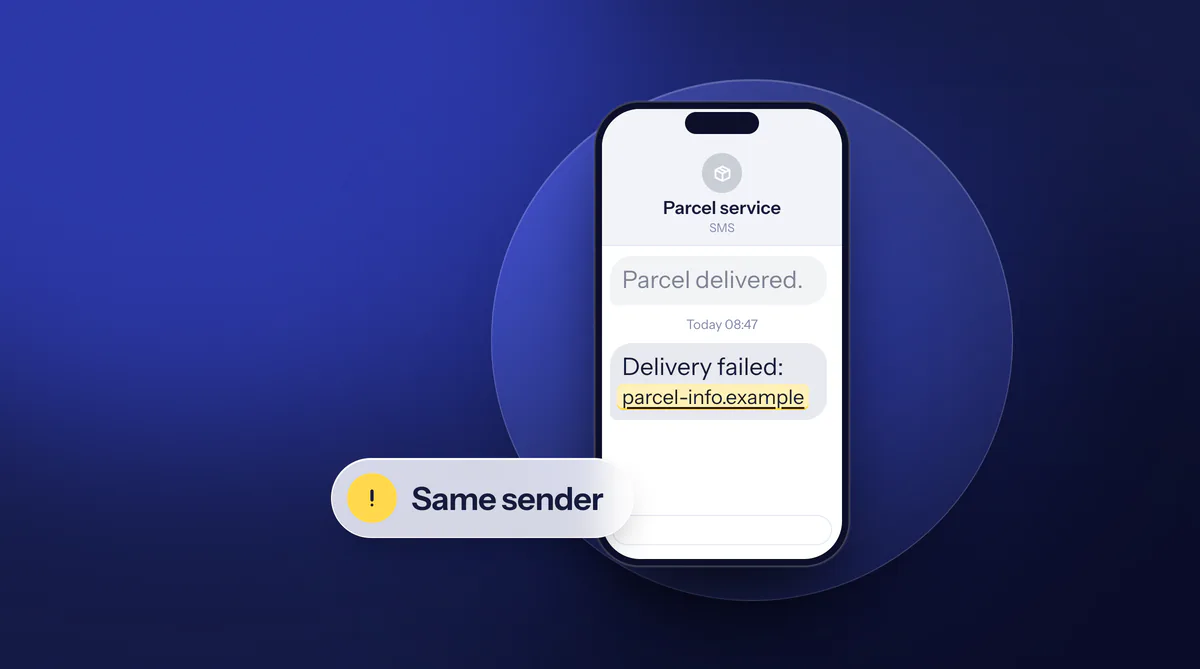
If nothing stands out, that is no guarantee, because new scams are not known straight away, and the report does not replace a query to the provider. We collect current cases under Warnings. For texts and messenger messages there is Check a message, where you paste the text or upload a screenshot. How the same scam looks by text message is described in the guide Text scams with a forged sender.
Where to forward the email
Before you delete the email, forward it, because the organisations derive their warnings from reported emails. The phishing radar of the Consumer Advice Centre of North Rhine-Westphalia takes it at phishing@verbraucherzentrale.nrw. For that address the centre recommends forwarding directly, not as the attachment we need for our sender check. If that does not work, upload the email as an .eml file on the phishing radar page, where a limit of 2 MB applies. Because of the volume you will not get a reply.
Send the email to the provider in whose name it was written as well, so that it can act against the fraud. The police note that banks often have dedicated phishing reporting points, usually listed in the contact area of their website. The Federal Network Agency is not responsible for pure phishing emails. On email spam it can only act if the message contains a phone number.
If a loss has occurred or you suspect that data was captured, the checklist from the BSI and the police advises filing a report in every case, even on vague suspicion. You will find your state’s online police station under Where to report it. If you have already clicked or opened an attachment, do not delete the email at all, since the consumer advice centre then calls it important evidence for the police.
Already clicked or entered details
A click alone does not cause harm in every case. What to do depends on what happened afterwards. The figure follows the checklist from the BSI and the police.
What happened?
Only clicked or opened an attachment
- Enter nothing, close the page
- Check the device for malware
- Change passwords
- Do not delete the email
Entered login details
- Set a new password
- Contact the provider
- For an email account: reset other accounts
Entered payment details
- Block account or card
- Check transactions
- Inform the bank
- File a police report
Filing a police report is possible in every case, even on vague suspicion.
Sources: BSI and police crime prevention: Phishing, emergency checklist; BSI: Forged email addresses, what to do
After a click, the BSI advises checking your computer for malware immediately and, if anything is found, changing all important passwords, above all for email and finance. If someone demands payment afterwards, pay nothing and turn to the police, the consumer advice centre or legal advice.
If you entered the login details of your email account, a new password for that account is often not enough. Whoever controls the mailbox can reset the passwords of other services, so change those too. Where possible, set up two-factor login. According to the checklist, with the second step criminals cannot reach your data even if they have captured the password.
If money was debited
Report every debit you did not initiate to your bank as early as possible. For an unauthorised payment, the bank must refund the amount without delay under Section 675u of the German Civil Code, at the latest by the end of the business day after your report. Cases are excluded where the bank has given an authority written notice of a justified suspicion of fraud. Whether the bank pays in an individual case also depends on how the approval came about.
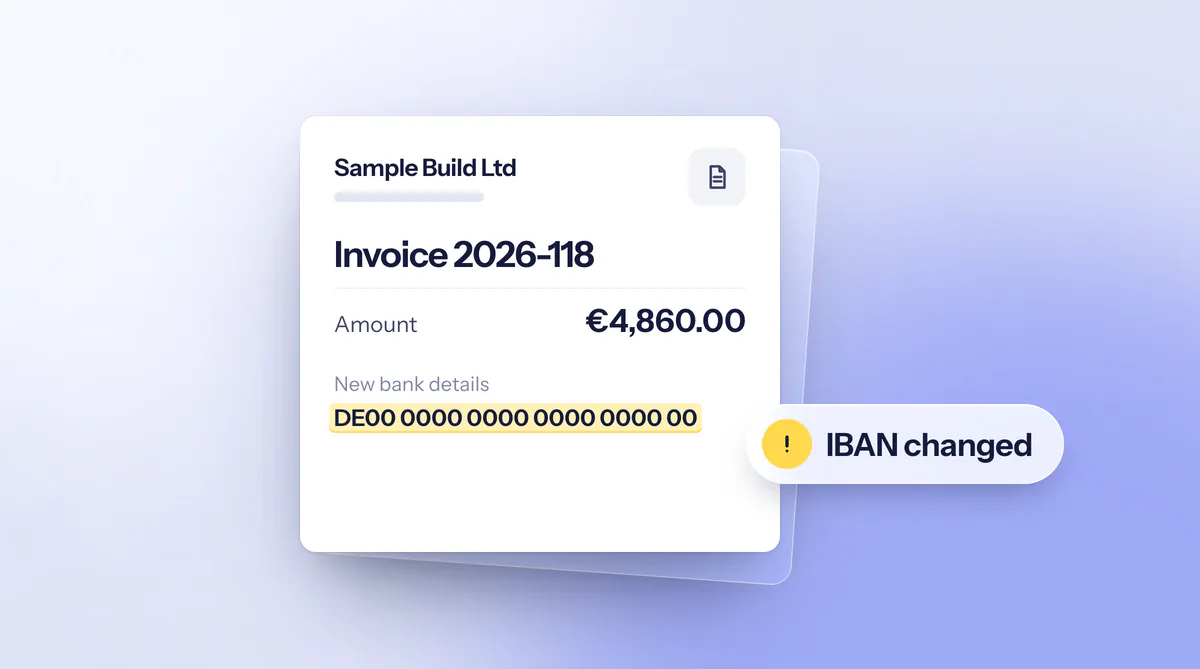
Under Section 676b, your claims against the bank are excluded if you do not inform it within 13 months of the debit at the latest. Further steps are under Already paid?. The scam with a changed account number on an invoice is described in the guide New bank details on an invoice.