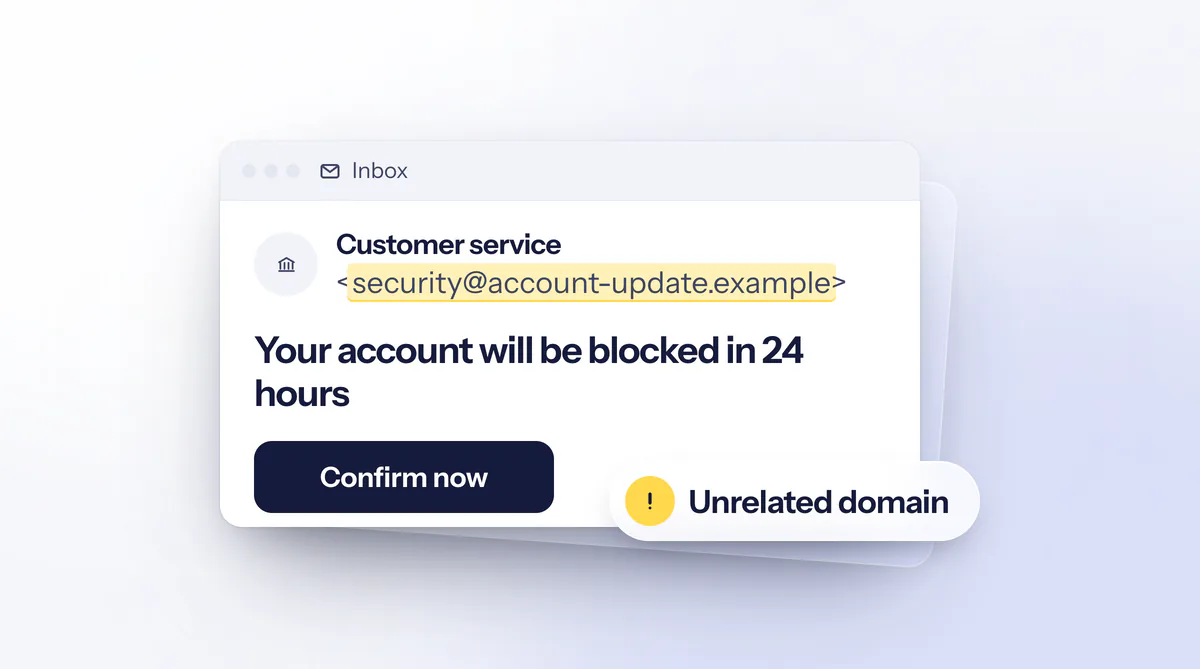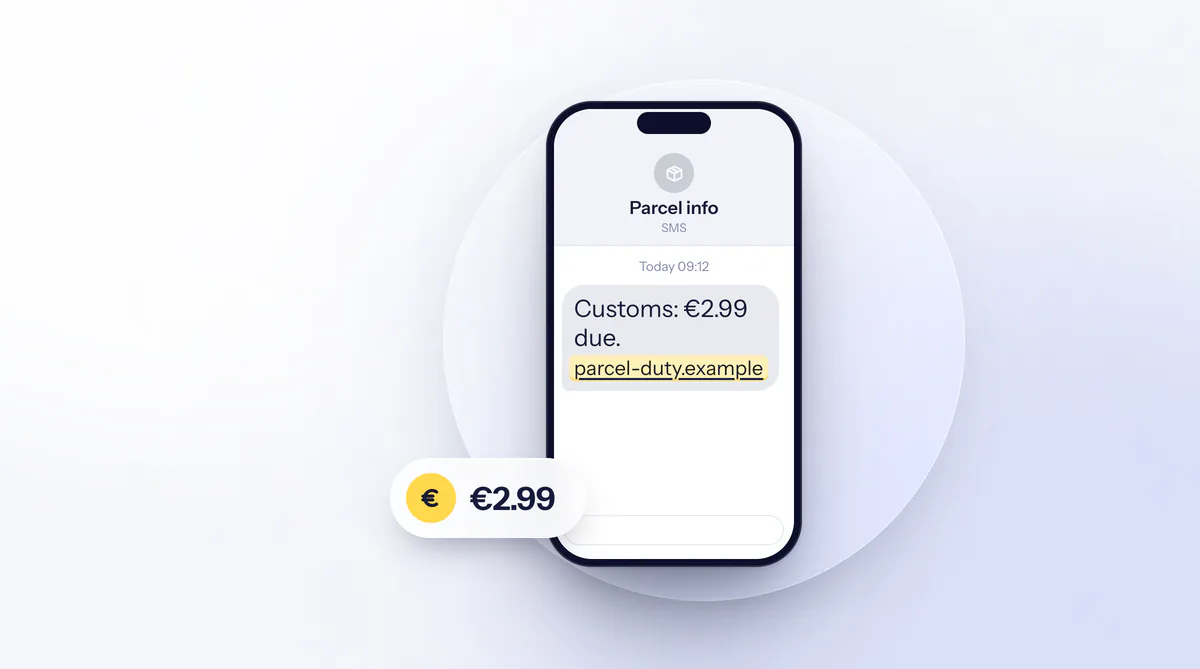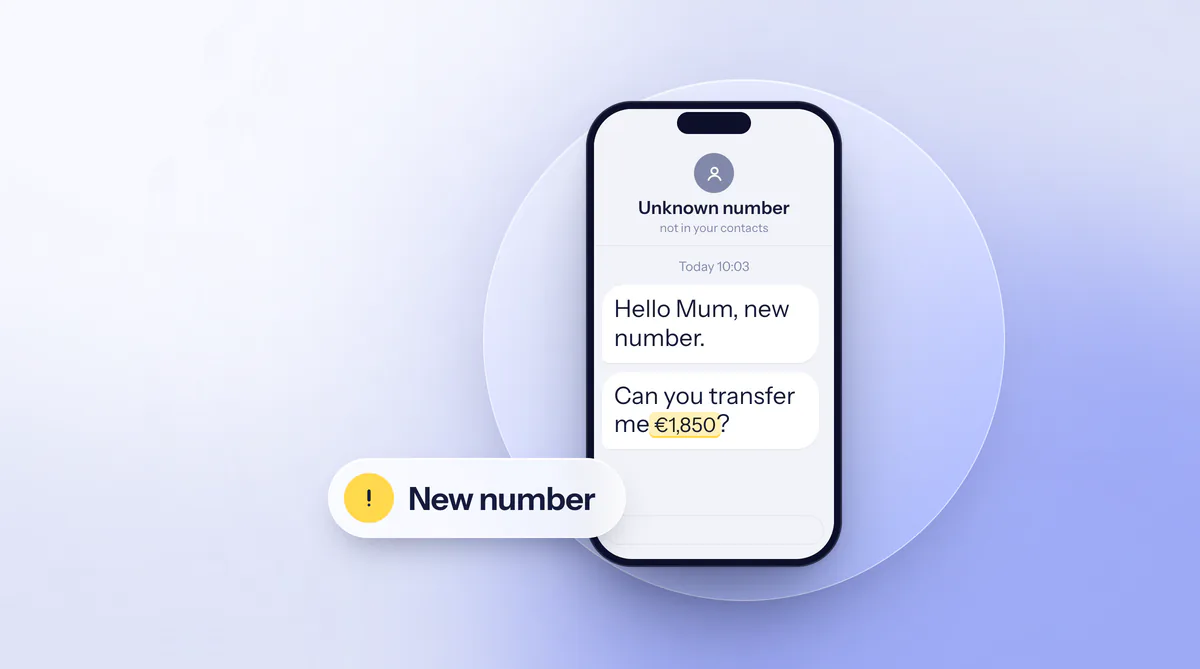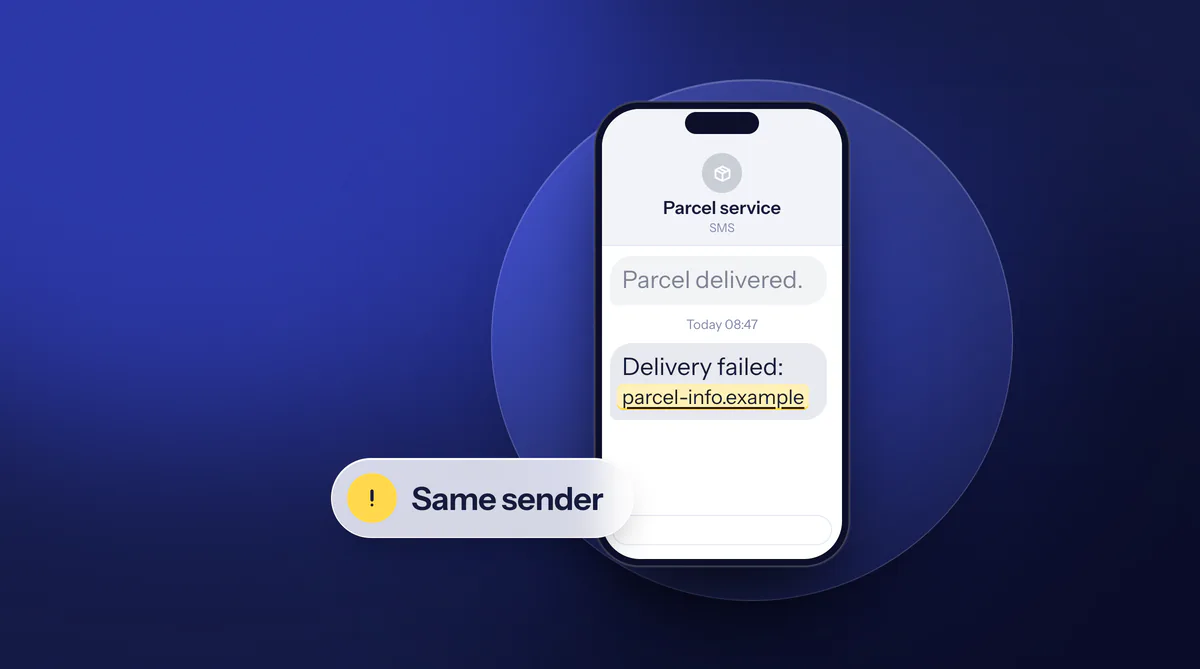
For 2025 the Bundesnetzagentur, the Federal Network Agency, counted 85,158 complaints about number misuse, most of them about text and messenger spam and nuisance calls. Such a text can land in the same thread as the genuine messages from your parcel service or your bank, with the familiar sender name above it. It threatens a return or an account block, and a link is meant to fix the problem.
Why the sender name proves nothing
With text messages, a name can be set in place of the phone number. In a consumer notice from January 2022, the Banco de España describes how fraudsters replace the number with text that poses as the bank. The fake message then appears in the same conversation thread as the bank’s genuine messages, so the recipient suspects nothing. Fakes in the name of parcel services, public bodies or mobile providers use the same principle.
Nor can you rely on spelling mistakes. Criminals deliberately use typos, spelling mistakes or random character strings to get past spam filters, the BSI (the German federal cyber security agency) writes, so a clean text proves nothing. The police advise against tapping links in unsolicited messages and, if in doubt, contacting your bank on its official phone number. Banks do not ask for TANs, passwords or card details by text.
Have the message and link checked
On the page Check a message you paste the text of a text or messenger message, or upload a screenshot. onlinebetrug.ai has the wording, any links and other features of the message checked, without you having to open the link yourself. An unremarkable result only means nothing stood out in this message at the time of the check. New fakes can slip through, mostly in the first hours of a wave, so even then do not tap the link before you have opened the service yourself.
Whether a parcel or a message is waiting for you shows up in the service’s app or at the address from your order or contract. According to Verbraucherzentrale Niedersachsen, parcel services do not ask you to pay for goods in advance. If the text arrived after an order in an online shop, the article Parcel and customs texts from our sister service fakeshop.ai explains the customs rules. If the message contains a phone number, check it under Check a phone number. Similar fakes by email are covered in the guide Spotting and reporting phishing emails.
Reporting a text to the Bundesnetzagentur
The Bundesnetzagentur offers separate complaint forms, among others for unsolicited texts and messenger messages and for manipulated phone numbers in calls. According to its own information, it can issue warnings for violations, have phone numbers disconnected and prohibit billing or debt collection, and in 2025 it disconnected about 6,200 numbers (release of 9 February 2026). A fine against text spam is not provided for by law. A single report will not get your money back. It helps to record numbers and patterns.
If you suffered a loss, the case also belongs with the police. The consumer advice centre recommends filing a report online with your state’s police, including screenshots of the message, and noting the case number for your bank. Online stations and other offices are listed under Where to report it.
Already clicked, already paid?
As long as you have not tapped the link, nothing has happened on Android yet, Verbraucherzentrale Niedersachsen writes. After a click, the BSI recommends flight mode, a call to your mobile provider, a look at your accounts, a police report and only then a reset of the device after backing up your data.
What happened?
Only saw the text
- Do not tap it
- Have it checked
- Report to the Bundesnetzagentur
- Delete it
Opened the link or installed an app
- Switch on flight mode
- Call your mobile provider
- Check accounts for unknown debits
- File a report, reset the device only afterwards
Entered card details or approved a payment
- Block the card now: 116 116
- Tell the bank, dispute unknown debits in writing
- Claims lapse after 13 months at the latest
- File a report with screenshots
Steps based on the BSI, the consumer advice centre and the law, as of 10 Oct 2026.
Sources: BSI: Smishing; Blocking hotline 116 116; Section 676b BGB
If you entered card details
- Block the card.
The blocking hotline 116 116 is available every day around the clock, from abroad on +49 116 116 or +49 30 4050 4050. Among other things it blocks credit and debit cards as well as online banking access.
- Inform the bank.
List the debits you did not make and demand the refund in writing. For credit cards the bank can also start a chargeback, which according to the consumer advice centre may involve fees.
- Secure evidence.
Screenshots of the text, the link and the page, account statements and the case number of your report. How to do this is under Already paid?.
Under Section 675u of the German Civil Code (BGB), the bank must refund an unauthorised payment without delay, at the latest by the end of the business day after your report. The exception is a justified suspicion of fraudulent conduct by the customer, which the bank has notified to the competent authorities. You in turn must tell the bank without delay once you notice the payment (Section 676b); after 13 months your claims lapse.
It gets harder if you approved a payment yourself in your banking app. Under Section 675v you are liable for the entire loss if you acted with gross negligence. The consumer advice centre observes that banks often turn fraud victims away without proving gross negligence, and points out that the bank must set out the authentication and its evidence. Have a refusal reviewed, for example by a consumer advice centre, before you give up.
Everyday protection
Set up a third-party billing block with your mobile provider so that third parties cannot charge amounts to your phone bill. On Android, switch off installation from unknown sources and load apps only from the stores. If your phone has a spam filter, turn it on. Do not reply to the text, because a reply tells fraudsters that the number is in use.
Messages about a supposedly changed bank account follow a similar pattern. What helps there is in the guide New bank details on an invoice. We collect current patterns under Warnings.