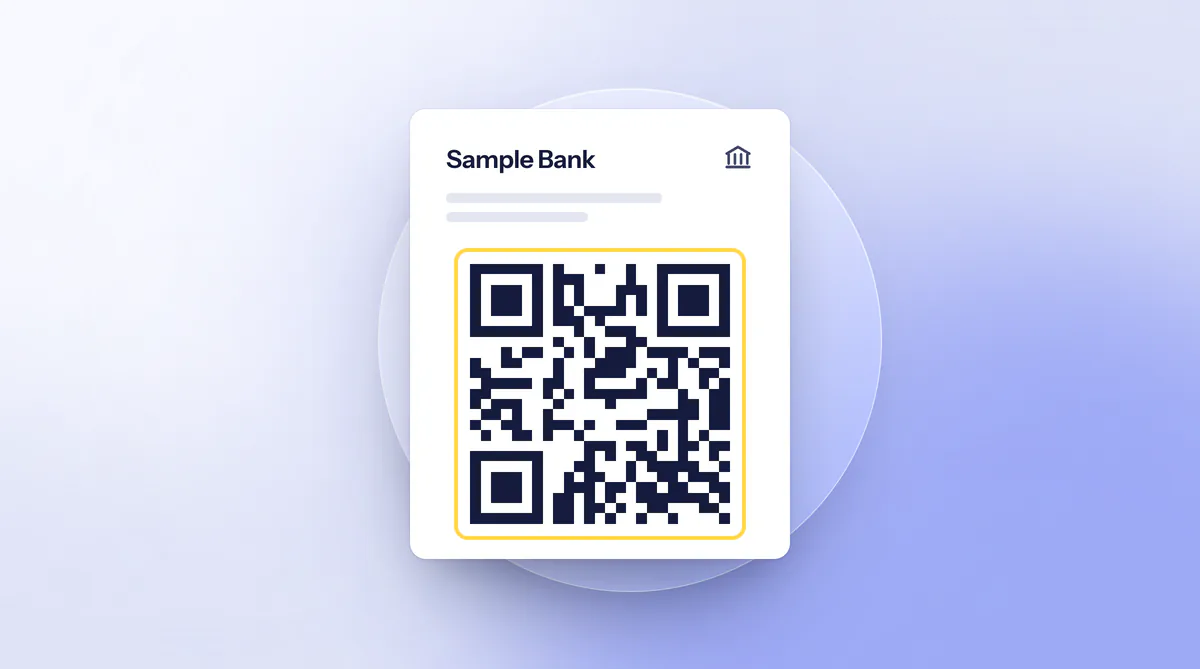
In August 2024 a woman in Munich received a letter in the name of a bank asking her to update her online banking with a QR code. She had no account at that bank at all. The consumer advice centres, which describe the case, report such letters opening with “Dear account holder”. Scan the code and, according to the BSI, you often end up on a convincingly designed fake login page.
Where the fake codes are stuck
Criminals abuse QR codes because you cannot see at once what information they hold, the consumer advice centres write. German Police Crime Prevention names three places. At parking meters, stickers with fake codes are pasted over the originals, at electric-car charging points manipulated stickers imitate a payment or activation page, and in the letterbox there are cards for supposed customs or delivery fees.
In Hanover the state criminal police of Lower Saxony warned in November 2024 of pasted-over codes on parking meters that were meant to lead to a parking service and led to a fake page. The consumer advice centres also name fake parking tickets with a QR code under the windscreen wiper and posters on buses and trains. The Rheinbahn in Düsseldorf warned of one such poster promising a Deutschlandticket in December 2024. It asked for name, address, email address and phone number. If you doubt a parking ticket, go to the police; if you doubt a poster, ask the staff. The consumer advice centres describe quishing by email as rather rare.
Letters in the name of your bank
The letters ask you to update your online banking or your photoTAN procedure. The criminals sometimes claim it is only a test on behalf of the bank. The police warn that phishing by letter can prepare identity theft. In April 2026 the BSI described a new wave of quishing attacks that mainly hit bank customers in Germany and whose messages are written by AI. According to its account, such texts no longer show the typical warning signs.
The BSI calls the phone an entry point, because it gets around conventional protection. It advises scanning QR codes only from trusted sources, questioning every code and, where possible, typing addresses yourself.
You cannot tell from the letter itself whether it is genuine. The consumer advice centres advise calling the bank on a number you look up yourself, not the one in the letter. If there is a genuine request, it also appears in your online banking, which you open yourself.
How to recognise fake codes and pages
At a meter or charging point, first feel whether a sticker sits on the original or looks crooked. The BSI also advises checking codes for manipulation before scanning. Do not scan a pasted-over code, and at charging points with a display use the code on the display, according to the consumer advice centres. For payments the police advise using the provider’s official app.
Then comes the address. Most scanners show it only in shortened form, the BSI says, so many users do not notice the redirect. Use a scanner that shows the address before opening and read it to the end. If the domain does not match the provider, stop the scan, as the police advise. If there is a hyphen with more text after the bank’s domain name, the consumer advice centres treat this as a sign of a fake page, since a genuine one would have only a slash or nothing after it. A fake parking page lacked umlauts, and longer parking times could be chosen than the zone allows.
If the request came by email, forward it to Check an email. A text with a QR code or link you check at Check a message. An unremarkable result is no assurance. How phishing emails work is covered in the guide Recognising and reporting phishing emails.
After a scan or an entry
The BSI describes the main danger as redirection to fake pages that ask for login details. If you only scanned and entered nothing, close the page. For everything else the police name four steps, and which of them apply to you depends on what you entered.
What did you enter on the page?
Nothing, only scanned
- Close the page
- Enter nothing
- Report the code or letter
Password or login details
- Change the password, email account first
- Switch on two-factor login
- Inform the bank
- File a report
Card details or a payment
- Block the card via 116 116
- Inform the bank
- Check your statements
- File a report
Orientation, not legal advice. Steps according to German Police Crime Prevention, the BSI and the blocking hotline.
Sources: German Police Crime Prevention: quishing; Blocking hotline 116 116; BSI: AI-assisted QR code fraud
- Block the card.
The blocking hotline 116 116 is staffed around the clock and blocks girocard, credit card and online banking. From a German landline the call is free. Have your IBAN ready.
- Change passwords.
Start with the email account and switch on two-factor authentication where possible.
- Inform the bank.
Go through your statements. According to the police, you cancel unauthorised SEPA direct debits directly in online banking.
- File a report.
At the local police station or through the online police station of your state. The routes are under Where to report it. For the debit card the police also name a KUNO report.
If money was debited
For SEPA core direct debits you can, under section 675x(2) of the German Civil Code (BGB), demand a refund from your bank without giving reasons. The claim is excluded if you do not make it within eight weeks of the debit (paragraph 4). For card payments and transfers it depends on the individual case. If money has been paid, the consumer advice centres advise informing the bank. Nobody can promise the outcome. This section is not legal advice. More routes are under Already paid?.
Besides a report through the online police station, the police point to the phishing radar of the North Rhine-Westphalia consumer advice centre, which takes reports anonymously and free of charge through an online form. Fake calls on the topic, such as from a supposed bank employee, are covered in the guide Shock calls and fake police.